Import from Netscape/Mozilla/Thunderbird
Steps
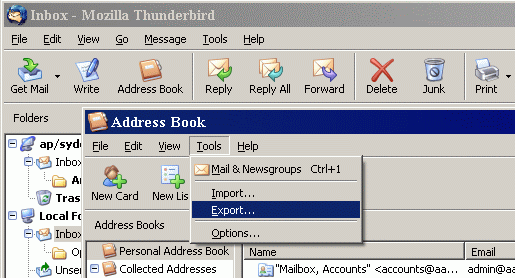
- Before importing, please open the Address Book of Netscape/Mozilla/Thunderbird and export contacts into a LDIF file.
- Select the "Mozilla" tab in the Import window.
- Click on the "Import" button.
- Locate the LDIF file in the Open File Dialog.
- After importing contacts, optionally assign categories to imported contacts through the "Define Categories" popup.
Notes
Please refer to the mapping between the fields of Thunderbird and the fields of Open Contacts.