KP TT supports Dvorak keyboards, and many other
keyboard layouts in different languages. Generally,
after loading a profile, KP TT will activate appropriate
keyboard layout automatically.
If for some reasons the keyboard layout loaded does not
adapt your physical keyboard, you may manually activate
a keyboard layout for KP TT. After saving the profile,
the setting of keyboard layout will be saved as well, so
next time when you run KP TT again, the desired keyboard
layout will be activated automatically.
Please note that the keyboard layout activated
will only be effective inside KP TT program, and all
other Windows applications will still use the default
Windows keyboard layout.
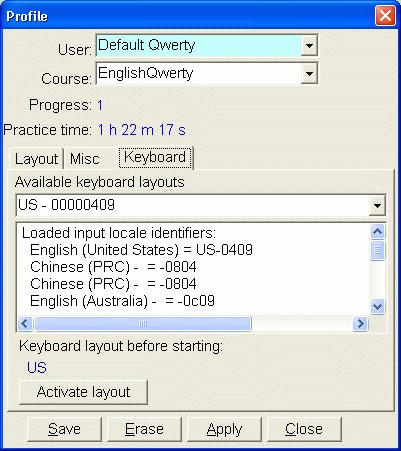
Note: Even if a keyboard layout appears in the
drop-down list, the keyboard driver file might not be
already installed.
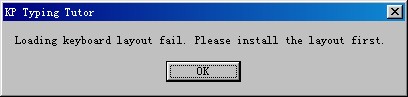
If the relevant keyboard driver for the layout is not
installed on your operating system, a warning will
appear.