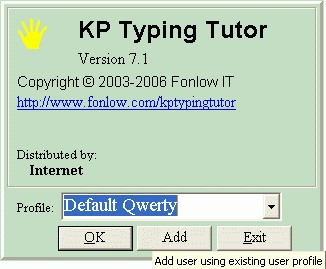
To add a user, press the Add button. KP TT will use an
existing profile selected from the dropdown list as
template and create a new user account.
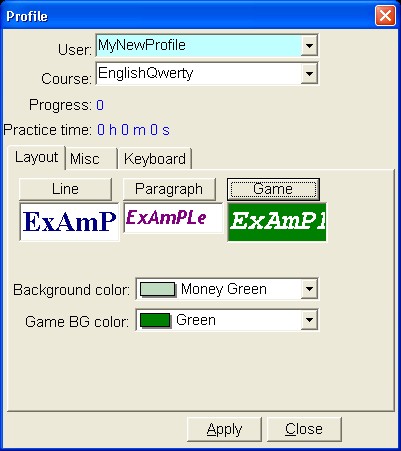
You may then input new user name in the Profile window
and modify the settings. After pressing the Apply
button, a new profile will be created. The new user name
will appear in the dropdown list of the Logon window.
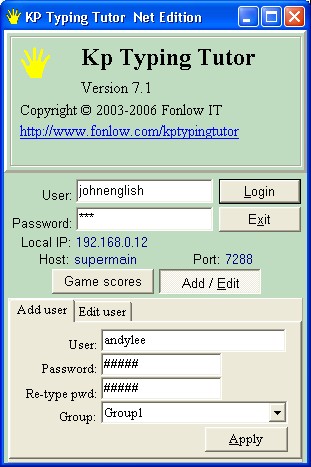
If you are using KP TT Net Edition, new users could be
added through KP TT client program. After you press the
"Apply" button, the profile window will appear for you
to define the detail of new profile.
To use an existing profile as template, you may input an
existing user name and password. KP TT will load the
profile and use it as starting point for creating
profile of new user.